💰 $40K+ profit this month — 46 Trades
-> $24K from prop trading
-> $16K from my personal account
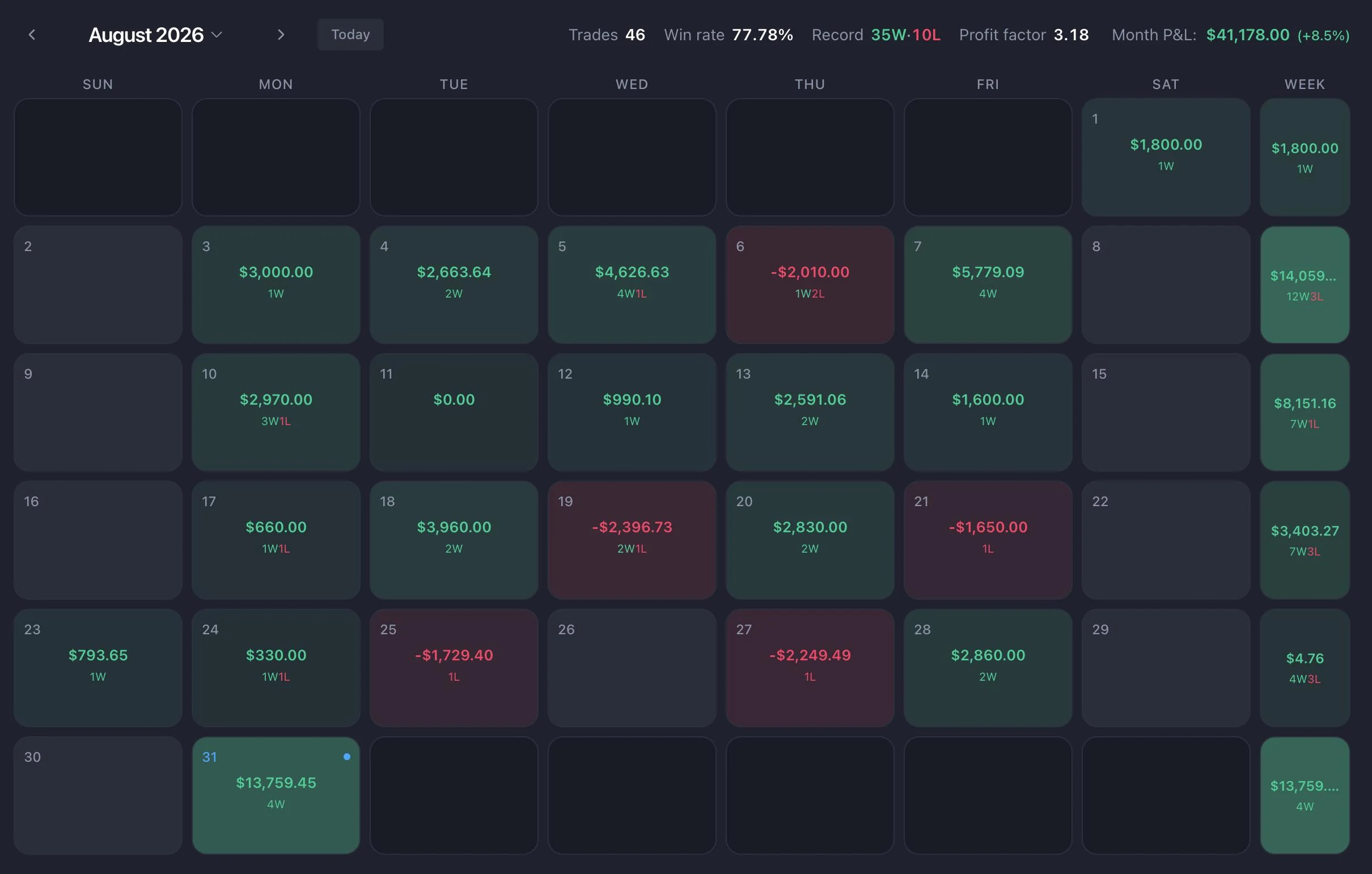
August is officially wrapped, and it’s been one of my most consistent months yet. I’ve been gradually putting more focus on trading my own capital alongside prop firms — for me, it’s a natural part of growing as a trader.
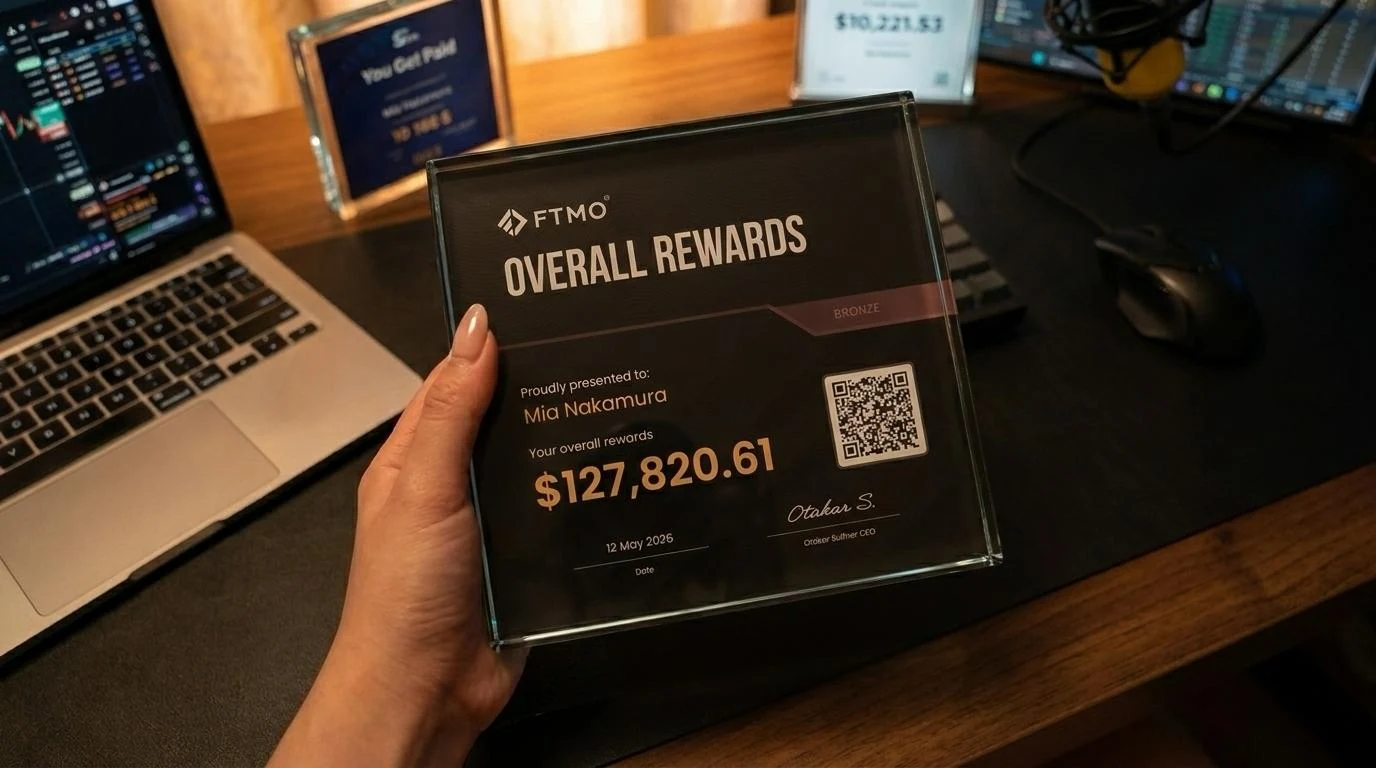
At the moment, I manage over $500K in funded capital, with a target to reach $1M over the coming months. 🚀 Over the past year, this exact system has helped me withdraw more than $200,000 from prop firms, including over $150,000 from FTMO alone 🏆.
I receive dozens of messages every day asking how I trade, which indicators I use, and how I find my entries. Below, I recorded a complete step-by-step video breaking down the entire strategy. Watch it first, and then continue reading below for the exact indicator settings, timeframes, and automation rules: 👇
To help you apply what you saw in the video and replicate these results, here is the complete breakdown covering the exact indicators, settings, and execution rules I use every day. 👇
1. Indicators 📊
A lot of you told me that you couldn’t find the indicators I use, so here they are.
As I mentioned in the video, I use indicators from RunRox.com. I’ve been using them for almost a year now, and I’ve had a great experience with their tools and their team, so I’m happy to recommend them. 📊✨
I’ll try to get in touch with them and see if I can arrange a special offer or exclusive terms for my subscribers. Hopefully, I’ll have something to share with you soon! 🫶
RunRox - Entry Model - 🔗 TradingView link
This is my main indicator. It automatically identifies CRT setups and gives me potential entry signals.
My settings:
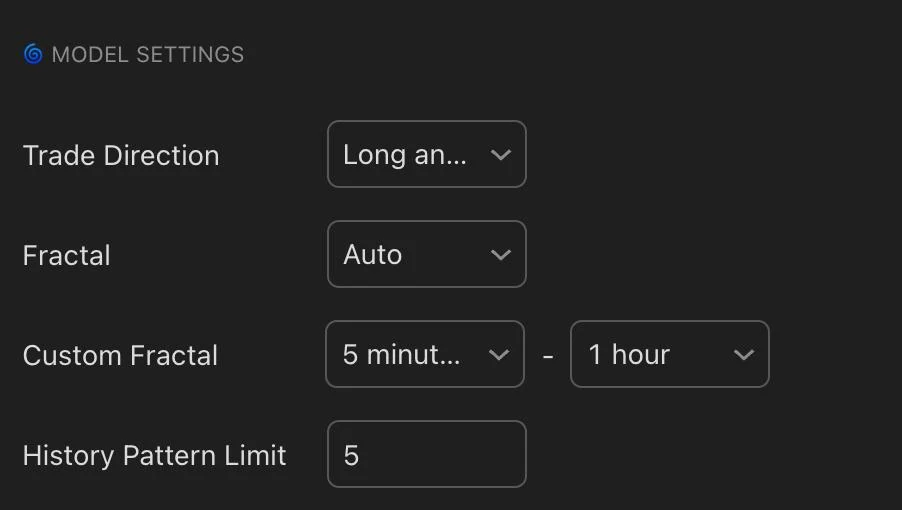
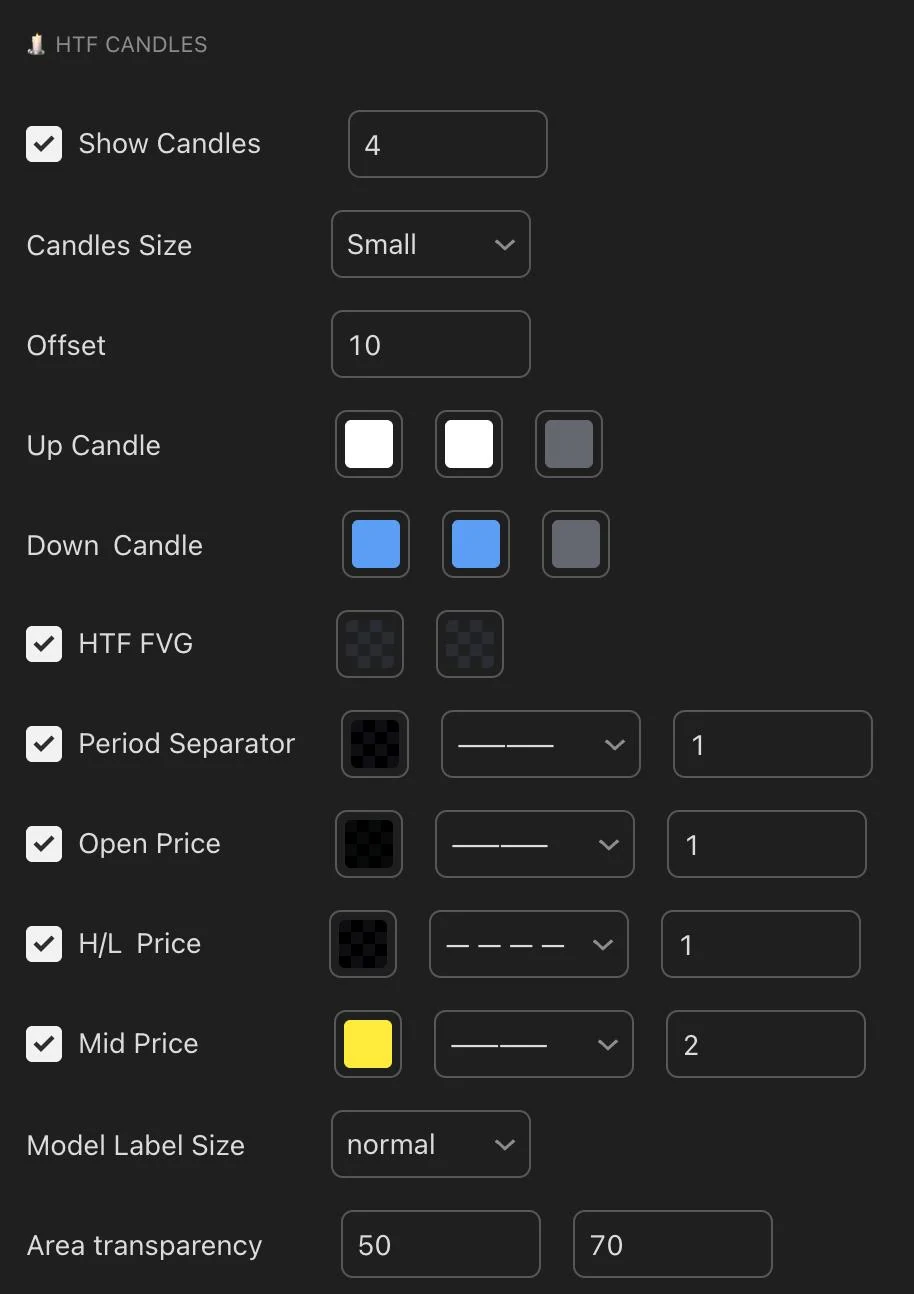
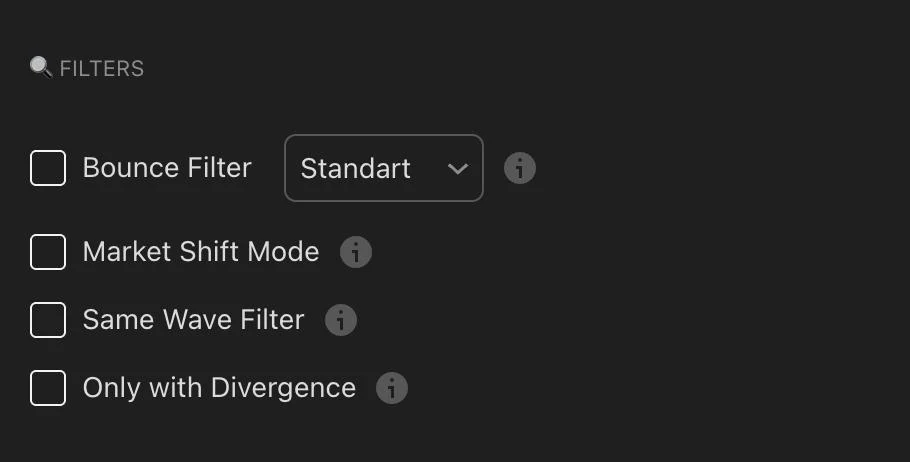
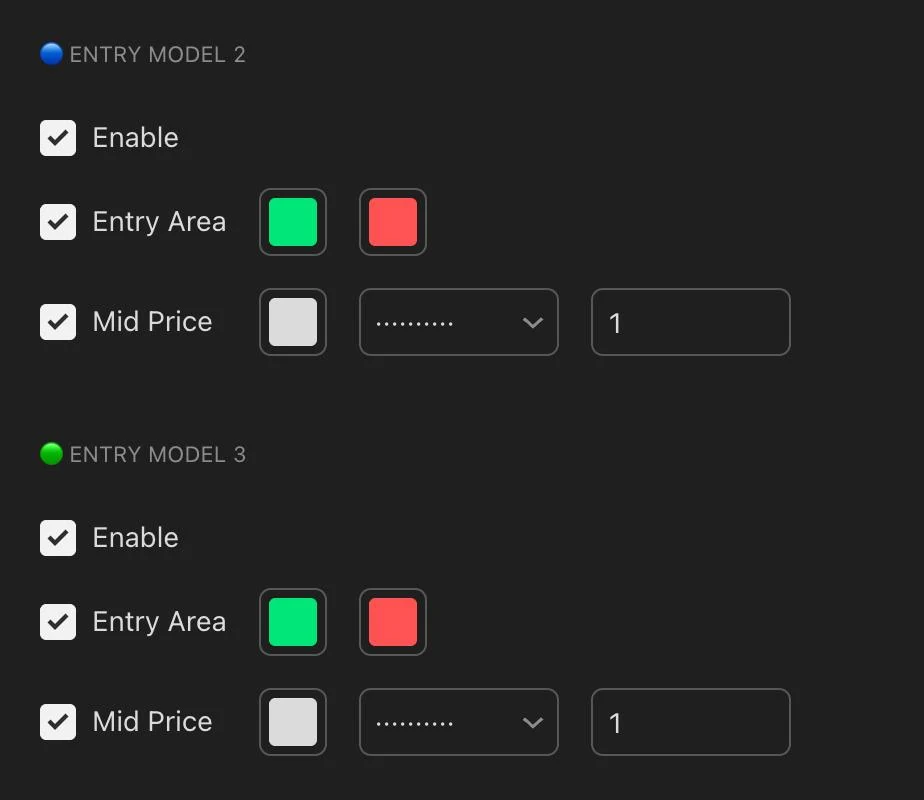
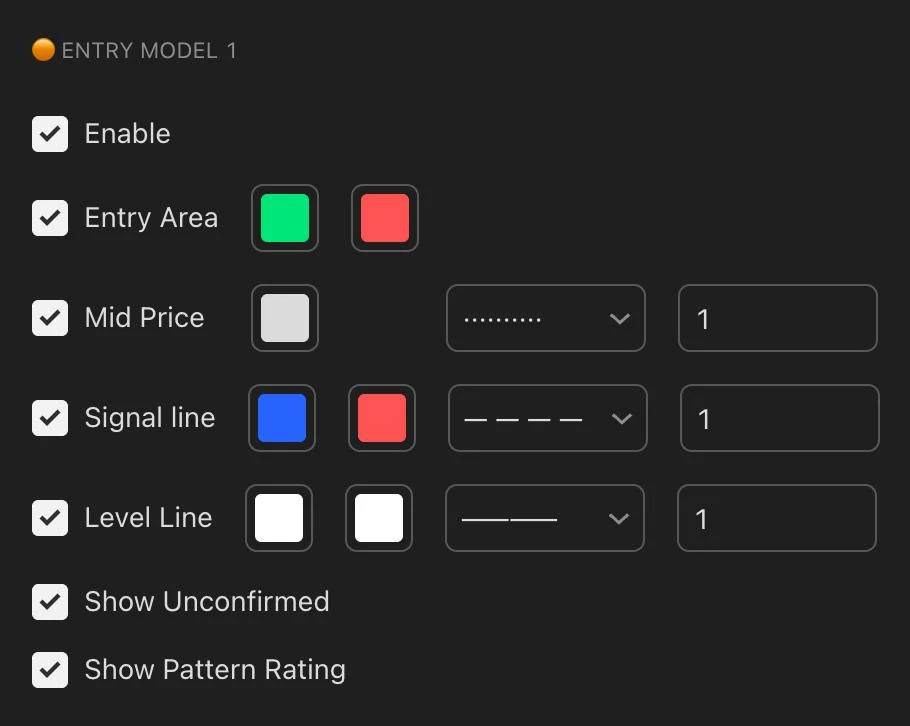
I use this indicator on the following timeframes: 5m-15m
The indicator automatically finds CRT setups while analyzing the higher timeframe.
For example, when a setup appears on the 5-minute chart, the indicator checks for a liquidity sweep on the 1-hour timeframe and then looks for the entry on the 5-minute timeframe.
This means I don’t have to monitor several timeframes at once. The indicator does the work for me. ✅
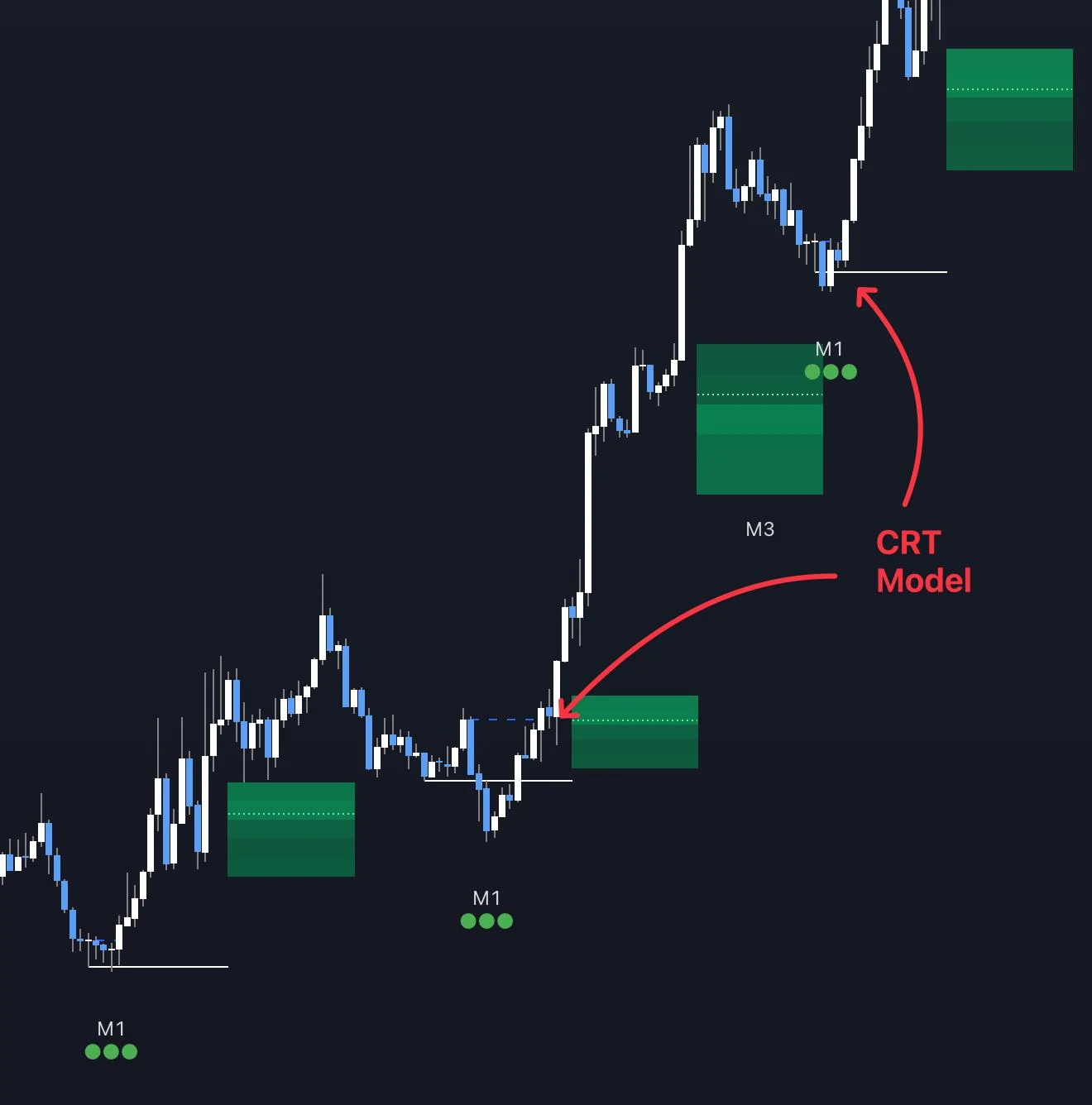
The example above shows setups on the XAU 15-minute chart. The liquidity is taken from the 4-hour timeframe, and the indicator maps everything automatically.
MTF FVG [RunRox] - 🔗 TradingView link
This is an additional indicator that automatically displays FVGs from different timeframes.
My settings:
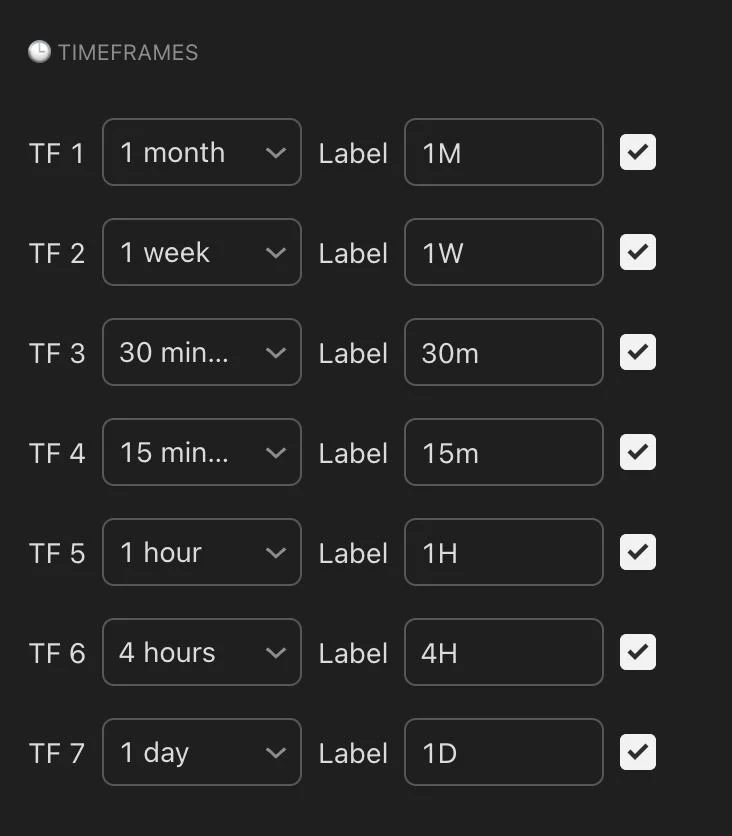
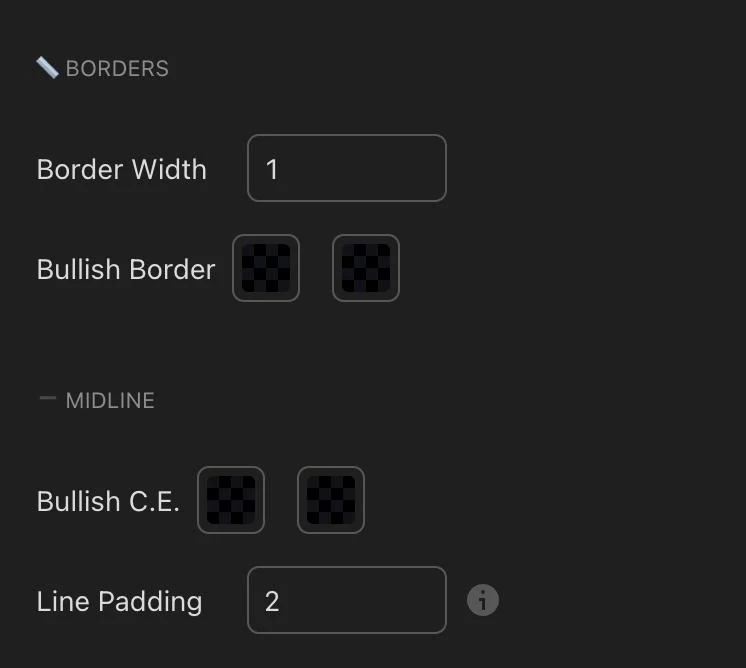
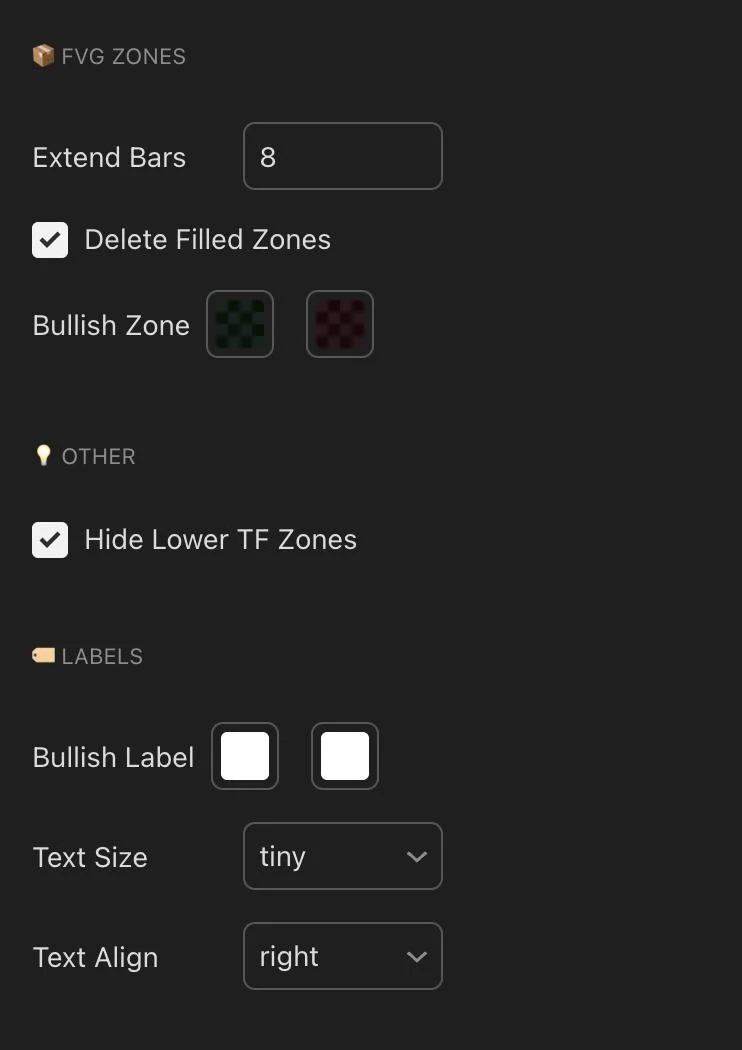
This indicator saves me a huge amount of time. Instead of constantly switching between charts to find FVGs, I simply turn it on and see everything I need in one place.
2. Timeframes ⏱️
Many of you also asked which timeframes I trade.
3m-5m-15m - For entry setups
1H-4H - For bias and trend direction
Before entering a trade, I decide which direction I want to trade and only look for setups that match that bias.
If my bias is long, I only look for long entries. If my bias is short, I only look for short entries.
I don’t switch directions every time the market makes a small move. I follow the plan I made before entering the trade. 🎯
3. Alerts 🔔
Another common question is how I set up and use alerts.
It's actually simple.
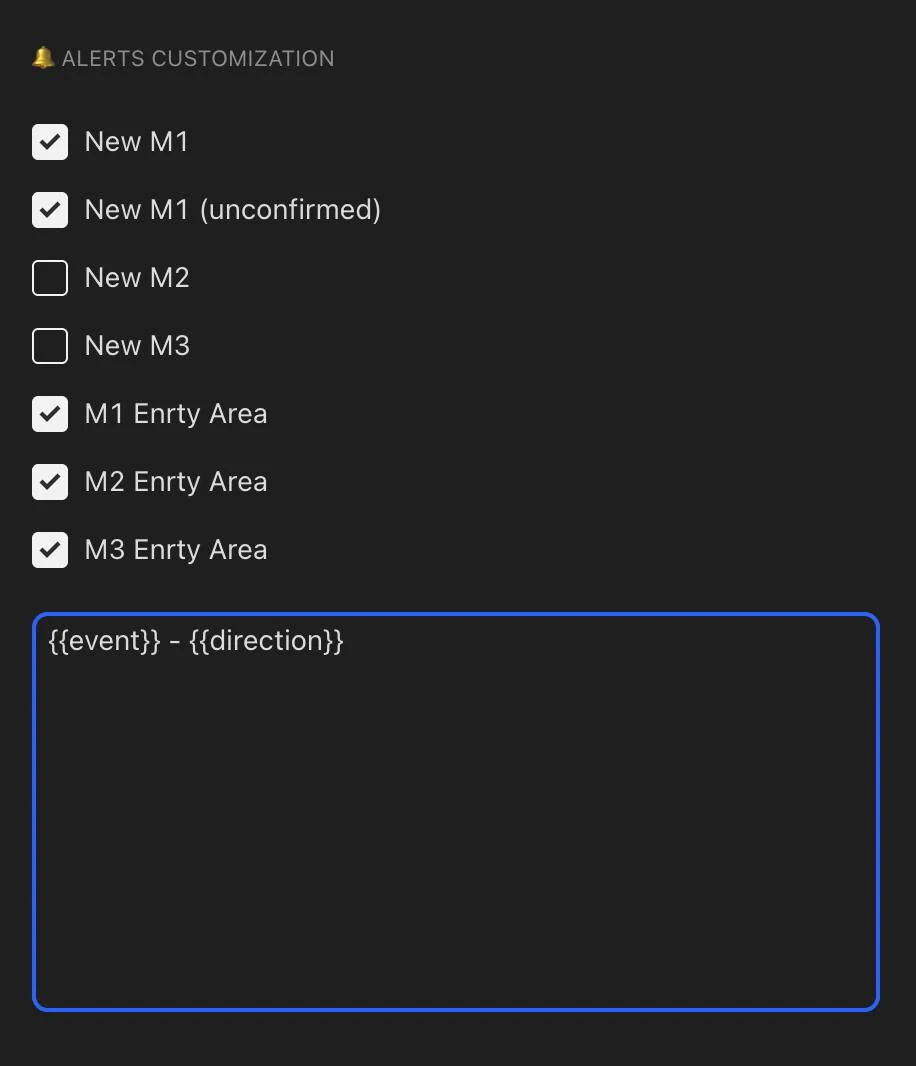
I create TradingView alerts using the Entry Model indicator. When the setup I’m looking for forms on the selected timeframe, I receive a notification directly on my phone.
That way, I don’t have to sit in front of the charts all day, and I’m far less likely to miss a setup. 📱
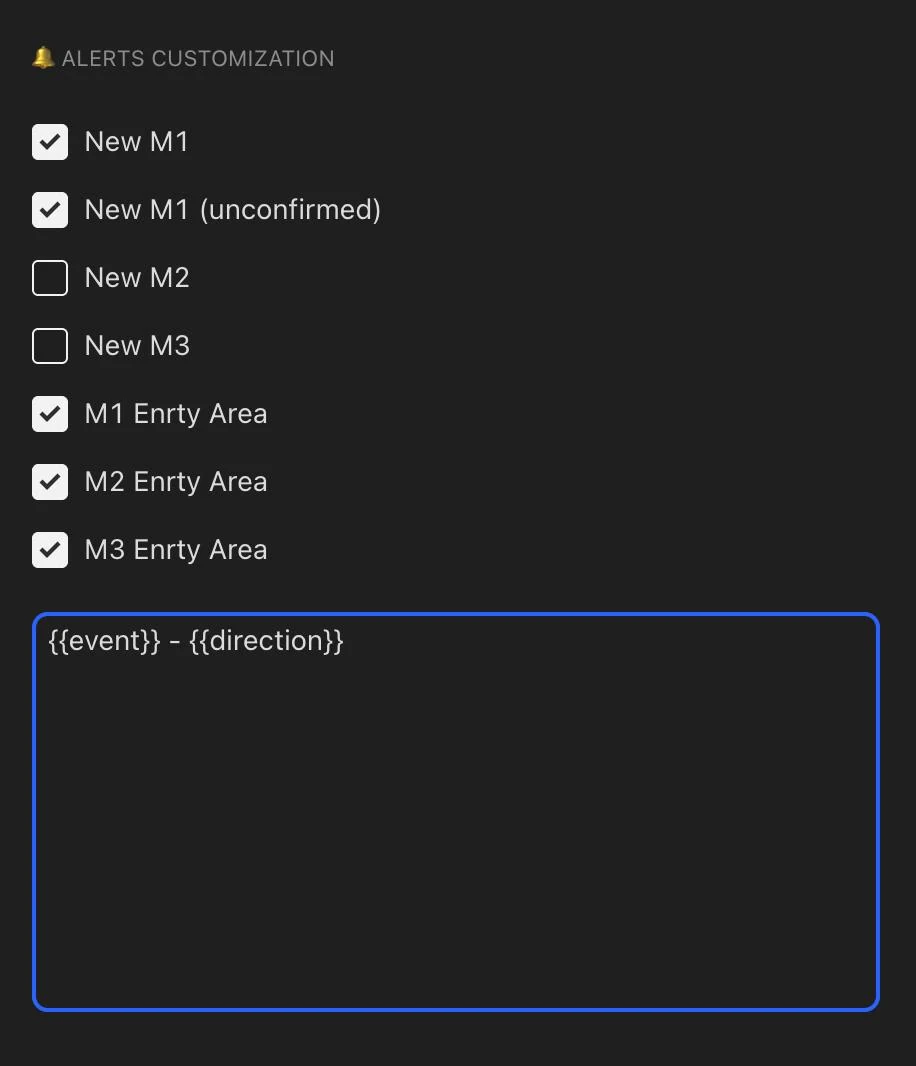
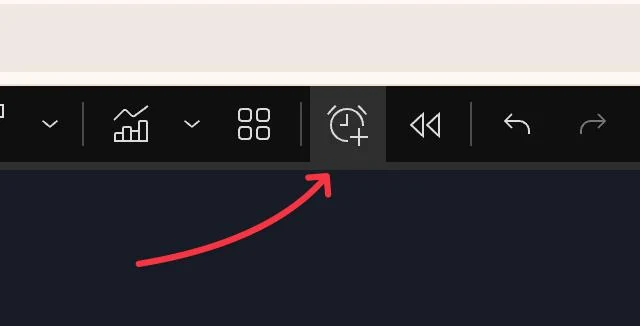
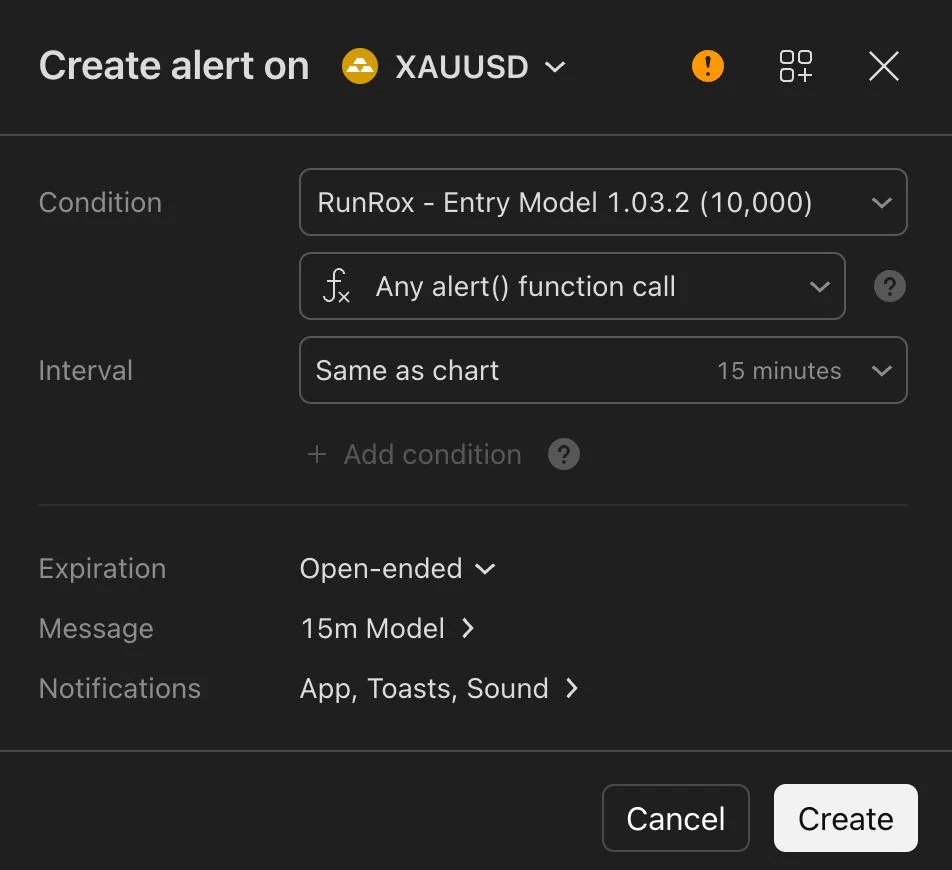
The image above shows the settings you need to use inside the indicator and where to click to create an alert.
Once the alert is active, the indicator automatically sends notifications to your phone. I turn the alerts on during my trading sessions and switch them off when I’m done.
That’s it.